
Typing Training - Practice Free Typing Lessons with Online Tutor
How to type without looking at the keyboard? Learn to practice typing using various types of tutorials and keyboard layouts. Free typing lessons for beginners and advanced . Soon enough, the keyboard will become a part of your hand!
Lessons
- Lesson 1
- Lesson 2
- Lesson 3
- Lesson 4
- Lesson 5
- Lesson 6
- Lesson 7
- Lesson 8
- Lesson 9
- Lesson 10
- Lesson 11
- Lesson 12
- Lesson 13
- Lesson 14
- Lesson 15
- Lesson 16
- My Text
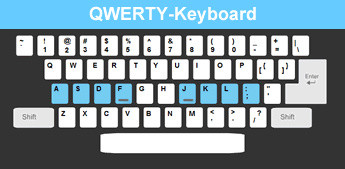
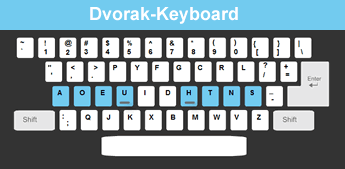
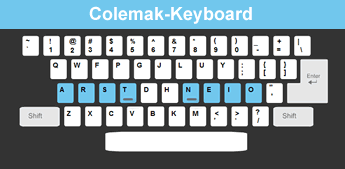
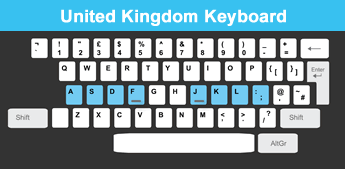
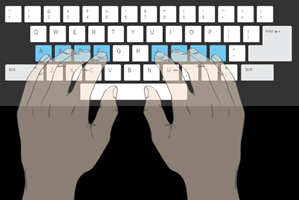
The free typing lessons supply the complete "How to type" package. Animated keyboard layout and the typing tutor graphic hands are used to correct mis-typing by showing the right way to type for your learning and practice experience. Lessons' difficulty gradually raises as it starts from only 2 characters and ends with the entire keyboard. When the lesson ends, you can learn a lot from the practice trends: WPM, accuracy and errors distribution.
Tips for success:
- When you practice typing - don't look at the keyboard - not even a quick peek! Look only at the screen.
- The basic position can be easily found without looking at the keyboard - feel the bumps on 'U' and 'H'.
- At first typing tutorials, practiced letters won't spell out words. As you get to know the keys, "real" words and sentences will be used. That is the only way to learn typing correctly.
- Remember to type test your speed periodically. With our typing test you can check for both speed and accuracy progress. The number of words per minute indicates your typing level. If you are still unsatisfied with the results - go back to the typing tutors and keep practicing!
Ads by Google